Nginx是一款高性能的Web服务器、反向代理和负载均衡器,适用于现代Web架构。其以高效、稳定和低资源消耗著称,非常适合处理高流量网站。
Log360 Cloud的Nginx扩展支持将Nginx日志集成到Log360 Cloud生态系统中。该扩展提供日志收集、解析、报告、告警、关联和高级日志搜索等功能,用于监控Web流量和服务器性能。
配置Nginx并定义自定义访问日志格式,请按照以下步骤操作:
在系统中找到Nginx配置文件:
在nginx.conf文件的http块内,添加以下日志格式定义:
log_format event_log_analyzer 'time_local="$time_local" connection="$connection" realip_remote_addr="$realip_remote_addr" remote_addr="$remote_addr" host="$host" remote_port="$remote_port" remote_user="$remote_user" server_name="$server_name" server_addr="$server_addr" server_port="$server_port" request="$request" uri="$uri" http_referer="$http_referer" http_user_agent="$http_user_agent" request_filename="$request_filename" http_cookie="$http_cookie" sent_http_content_type="$sent_http_content_type" http_x_forwarded_for="$http_x_forwarded_for" proxy_host="$proxy_host" status="$status" bytes_sent="$bytes_sent" https="$https" request_time="$request_time" ssl_cipher="$ssl_cipher" ssl_protocol="$ssl_protocol" upstream_addr="$upstream_addr" upstream_status="$upstream_status" upstream_bytes_received="$upstream_bytes_received" upstream_response_time="$upstream_response_time" upstream_cache_status="$upstream_cache_status"';
在http块内,定义访问日志的存储位置并应用自定义日志格式。请参考以下示例:
Format: access_log location log_format_name;
Example: access_log /var/log/nginx/access.log log360_nginx;
配置更改完成后,重新加载Nginx以使更改生效。
nginx -s reload
sudo systemctl reload nginx
在Log360 Cloud中安装Nginx扩展后,配置从Nginx服务器文件路径定期导入 access.log 文件。确保在配置时使用正确的文件路径。
导航至 设置 → 配置设置 → 日志源配置 → 导入日志 → 设备导入
以下是Log360 Cloud中从Nginx捕获的审计事件类型:
| 类别 | 事件 |
|---|---|
| Nginx Web服务器事件 | Web服务器流量、请求率、每会话请求数、访问的URI、虚拟服务器事件、访问的文件、SSL成功事件、SSL握手失败 |
| Web服务器HTTP状态码 | 成功事件、重定向事件、客户端错误、服务器端错误 |
| Nginx上游事件 | 上游请求、上游重定向、缓存效率 |
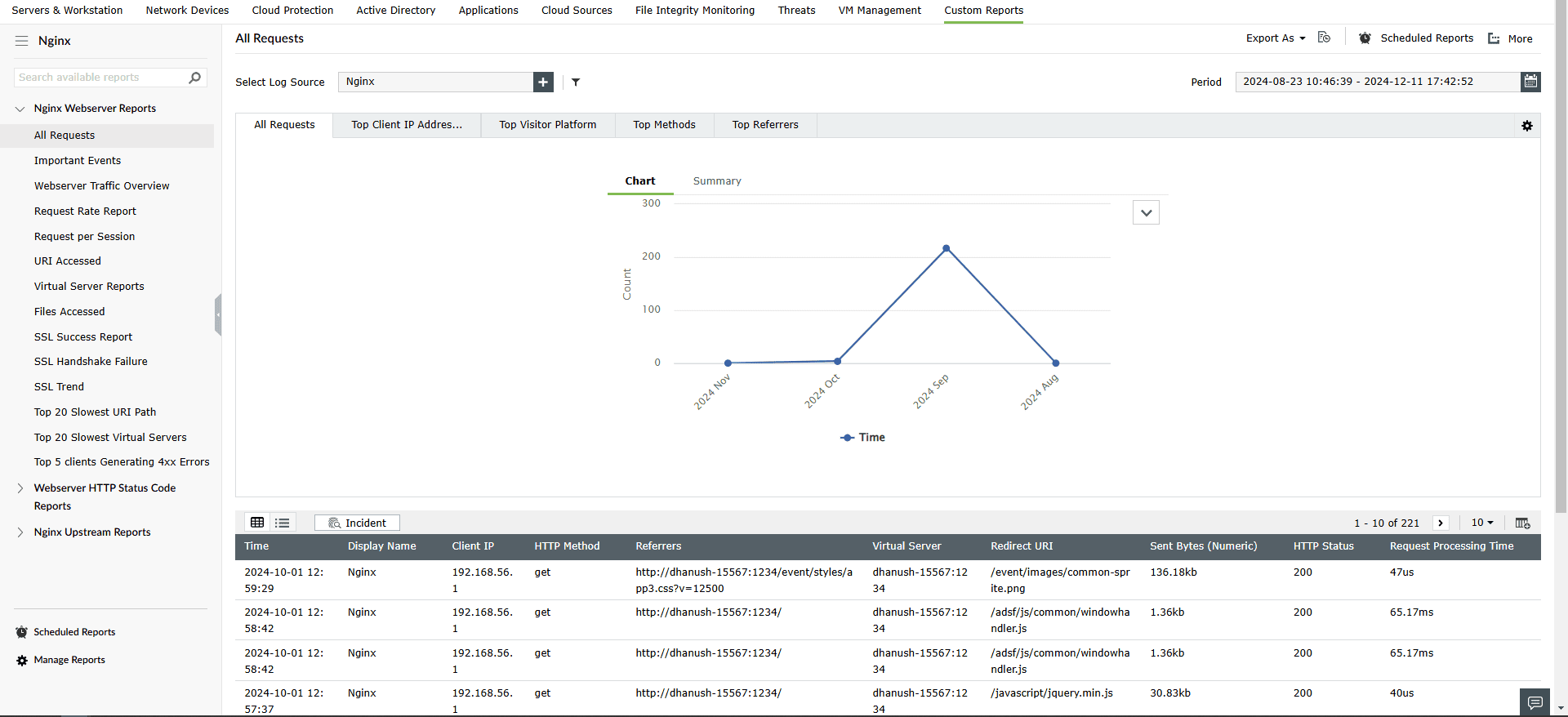
要查看Nginx报告,请导航至 报告 选项卡并选择 Nginx 子选项卡中的 自定义报告 。
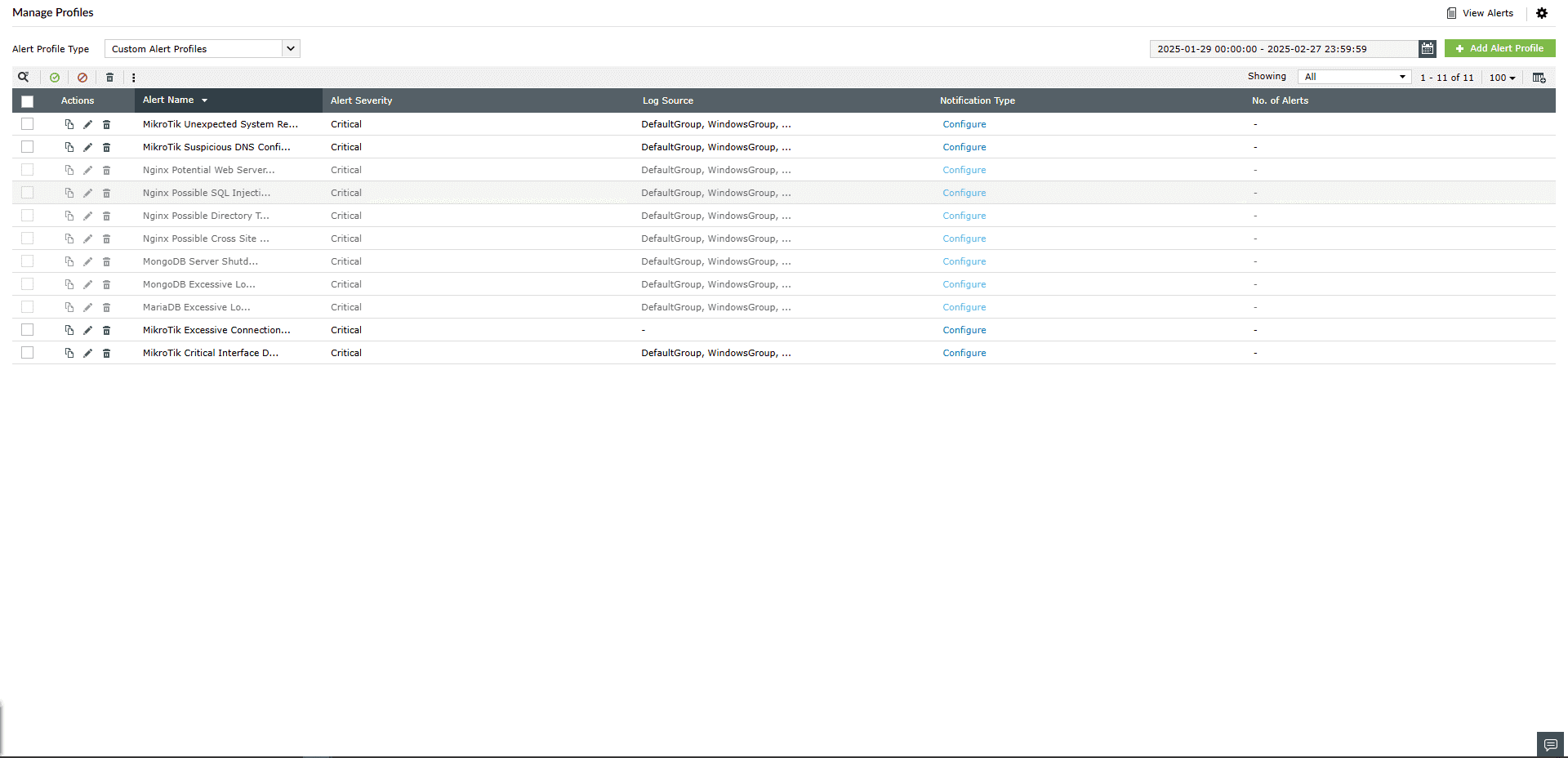
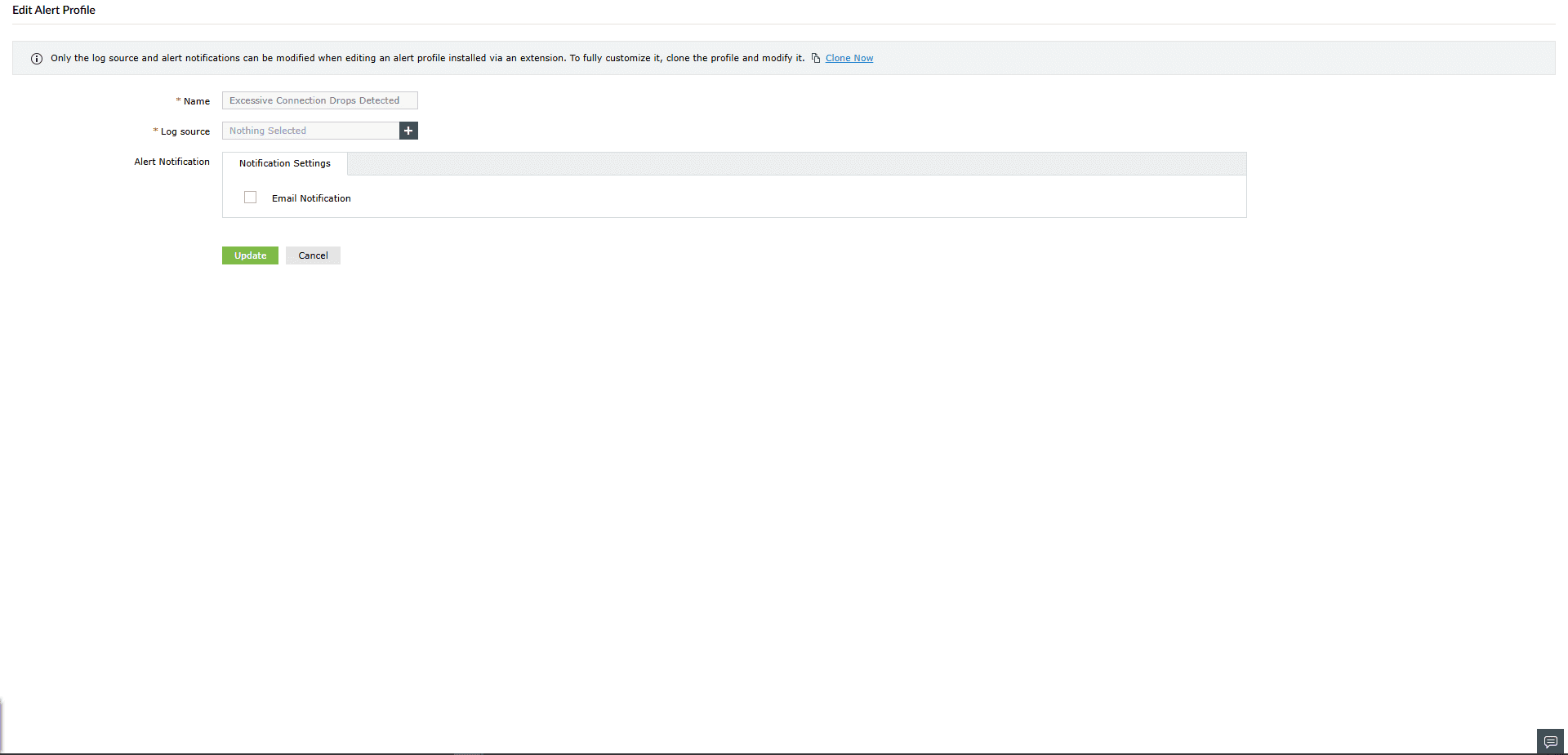
要查看告警,导航至 警报 选项卡 -> 管理告警配置文件。
 启用告警配置文件。