Personalized i18n Translation
The i18n Translation lets you personalize your ServiceDesk Plus application by customizing transcripts for all languages. Rather than changing the values present in the ApplicationResources.properties file and losing them during an upgrade, this new feature allows you to maintain the modified keys as a separate file. ServiceDesk Plus will read this file and use it for translation. So, whether you want to call, for instance, a 'New Request' as 'New Ticket' or 'Admin' as 'Configurations', you can do so using i18n Translation.
To customize transcripts using i18n Translation
- Create a dictionary named i18n in [SDP Home]/custom directory. [
 Screenshot ]
 - Create a file ApplicationResources.properties in that i18n directory. If you need it for Arabic language, then the file name has to be ApplicationResources_ar.properties
NOTE: For languages other than English, please make sure to save the file using UTF-8 format. - Add the keys with the changed value, for instance,
sdp.header.request=Tickets ('Requests' in the original version)
sdp.header.admin=Configurations ('Admin' in the original version) [ Screenshot ] - Start ServiceDesk Plus Server. When you login, you would see the Requests being displayed as Tickets and Admin being displayed as Configurations. [ Screenshot ]
NOTE: When you start ServiceDesk Plus server, the ApplicationResources.properties file in [SDP Home]/applications/extracted/AdventNetServiceDesk.eear/AdventNetServiceDesk.war/AdventNetServiceDesk.war/WEB-INF/classes/resources directory is replaced by ApplicationResources.properties file in [SDP Home]/custom/i18n directory.
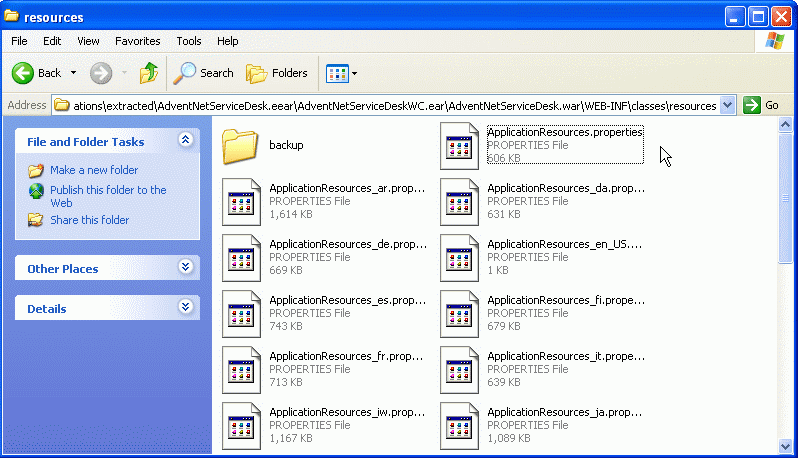
ServiceDesk Plus will save a copy of the original ApplicationResources.properties file in [SDP Home]/applications/extracted/AdventNetServiceDesk.eear/AdventNetServiceDeskWC.ear/AdventNetServiceDesk.war/WEB-INF/classes/resources/backup directory.
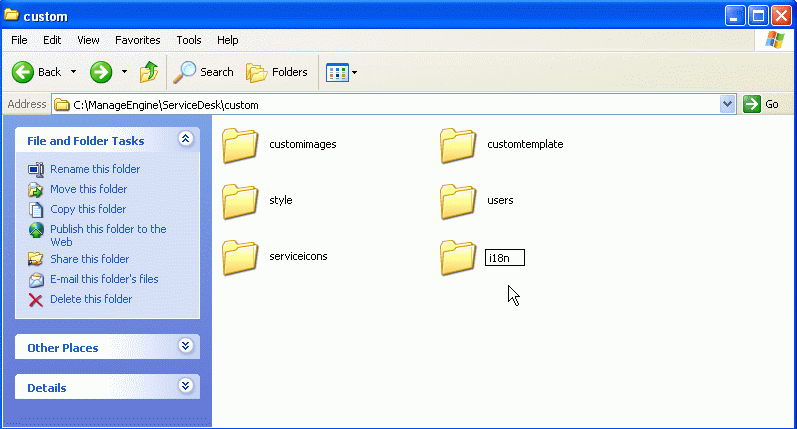 Screenshot
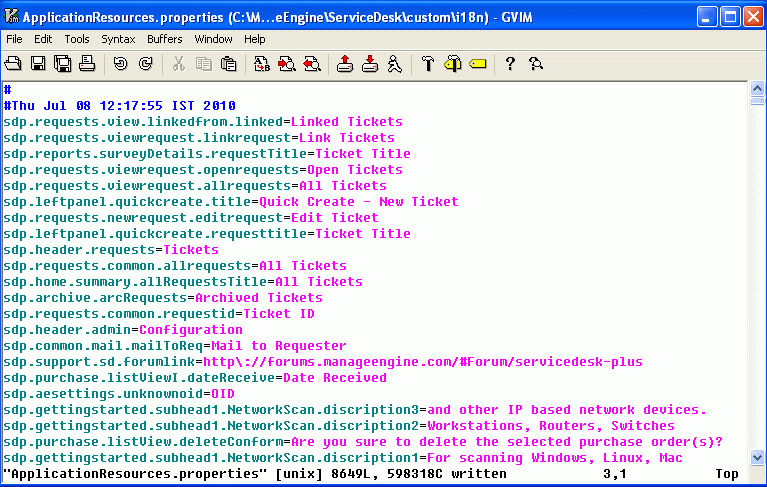 Screenshot
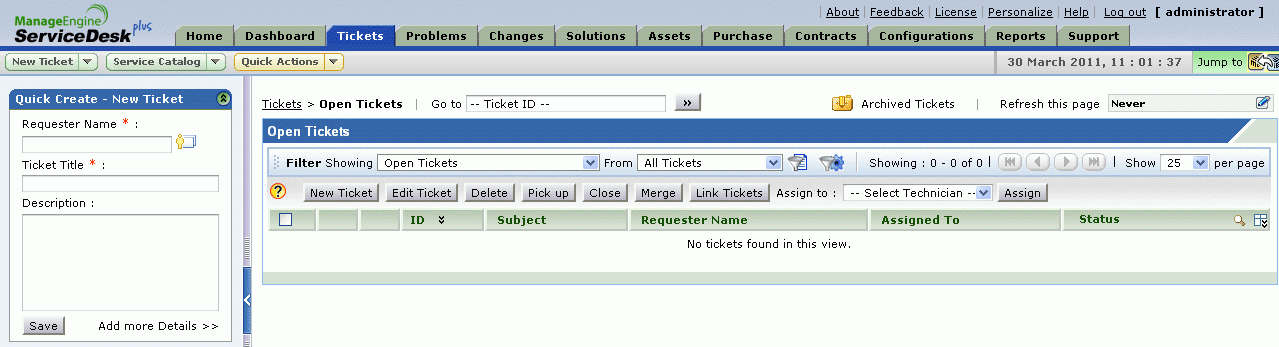 Screenshot
To revert the changes
- Stop ServiceDesk Plus Server.
- Remove or change the location of ApplicationResources.properties file from [SDP Home]/custom/i18n directory. [ Screenshot ]
- Go to [SDP Home]/applications/extracted/AdventNetServiceDesk.eear/AdventNetServiceDeskWC.ear/AdventNetServiceDesk.war/WEB-INF/
classes/resources/backup directory and replace the original ApplicationResources.properties file in
[SDP Home]/applications/extracted/AdventNetServiceDesk.eear/AdventNetServiceDesk.war/AdventNetServiceDesk.war/WEB-INF/classes/resources directory. [ Screenshot ] - Start ServiceDesk Plus Server. When you login, you would see the default ApplicationResources.properties file applied in the application.
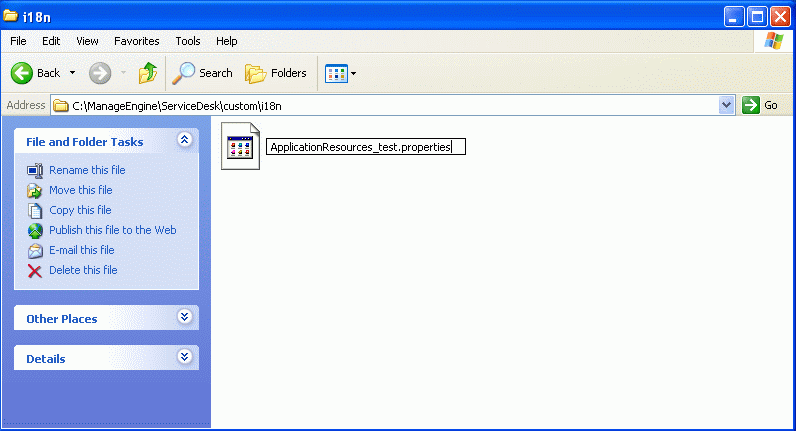 Screenshot
 Screenshot