Configuring Project Status
Click on Admin Tab and select Project Status
Click the Add New Project Status Link (present at top-right corner of the Project Status List View)
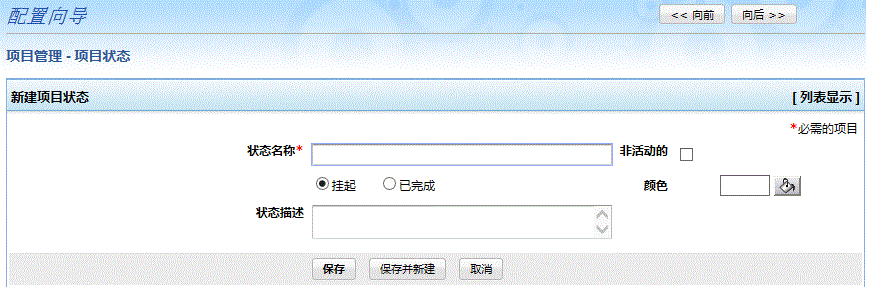
- In Add New Project Status form, provide the Project Status Name
Select the color to represent the Project Status; provide description regarding the Project Status
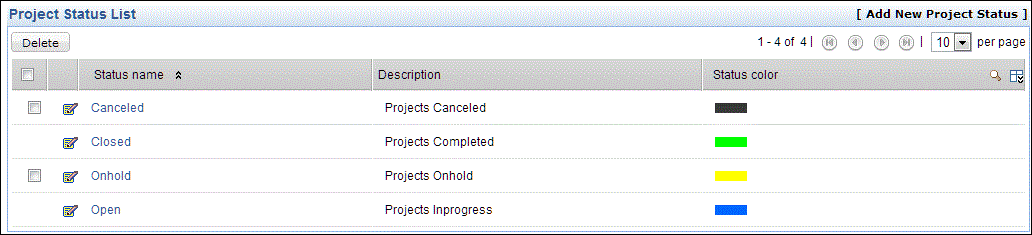
By default the following project status options would be available.
| Note:
|