
 免费版
免费版Although there are a lot of reports in Skype for Business for organization admins to analyze/monitor end uses call/meeting experiences, etc., there is no report designed for monitoring users away/online status and online time per day.
The work around for this issue is tracking the user activities to know about their working hours and activities. M365 Manager Plus, MangeEngine's Microsoft 365 administration tool provides a set of preconfigured Skype usage reports that help you track all the Skype for Business user activities.
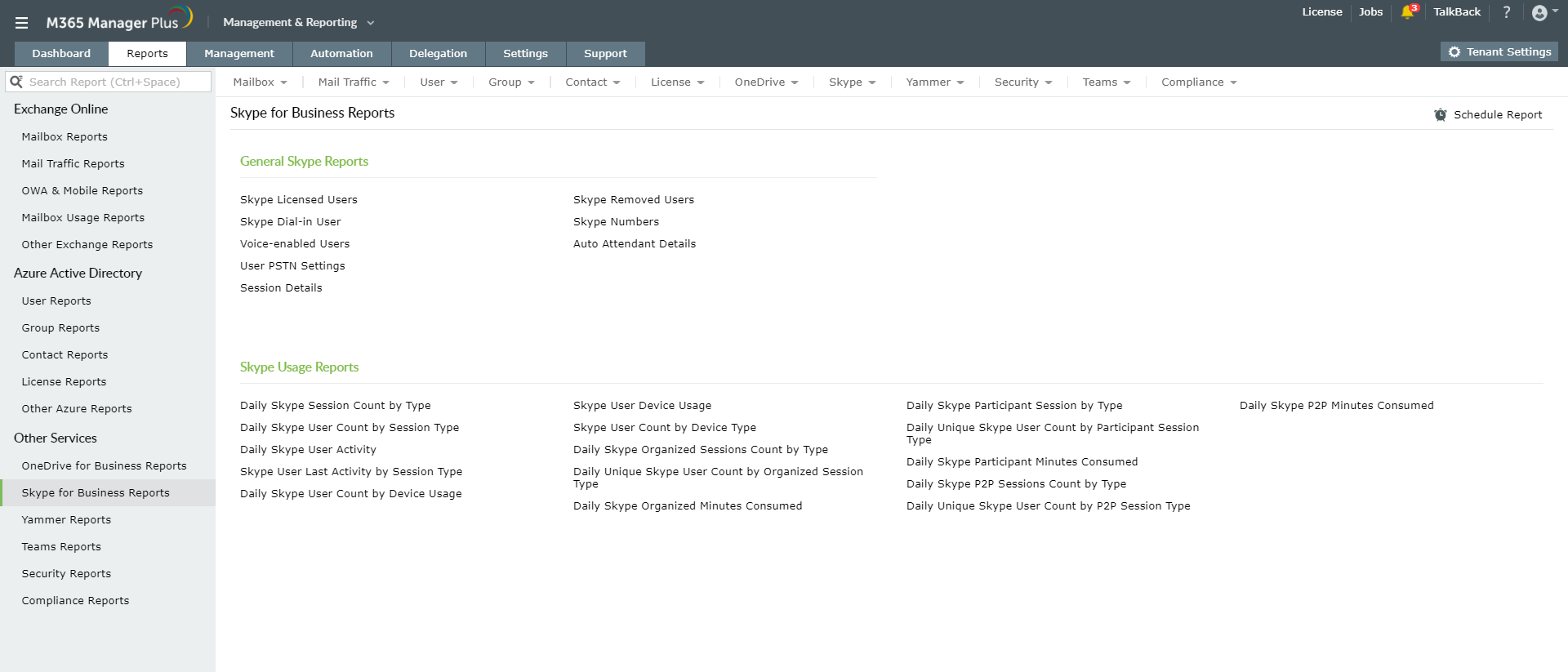
Apart from the usage reports, M365 Manger Plus also provides some general reports that help to view the Skype user and session details. The reports provided by M365 Manager Plus can be scheduled to be generated at specified intervals and can be exported to PDF, XLS, CSV or HTML formats.
You can download the 30-day free trial of M365 Manager Plus to try your hands on all the advanced features.