面向未预先安装 Endpoint Central 的 SDP 客户的基于代理扫描
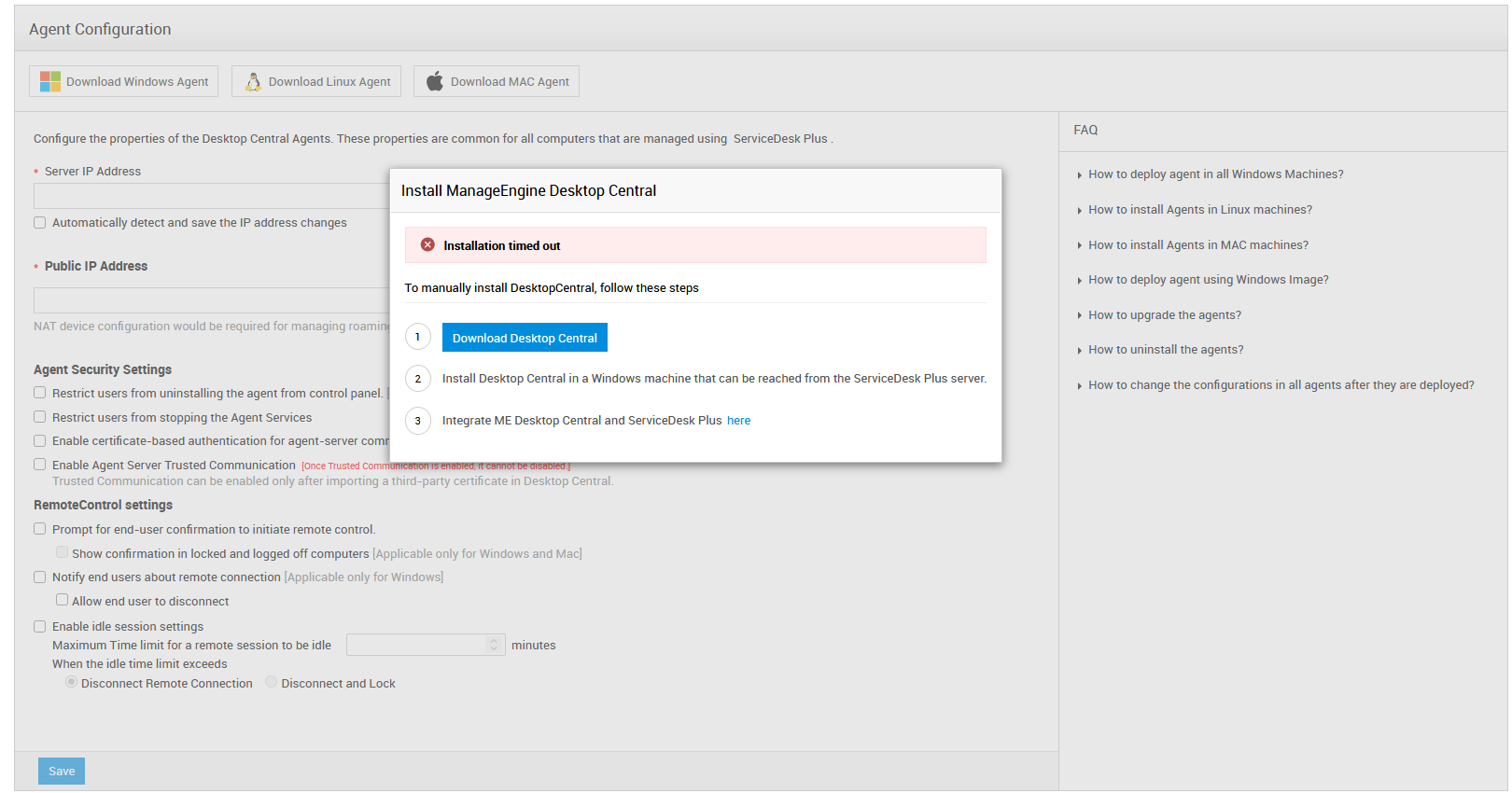
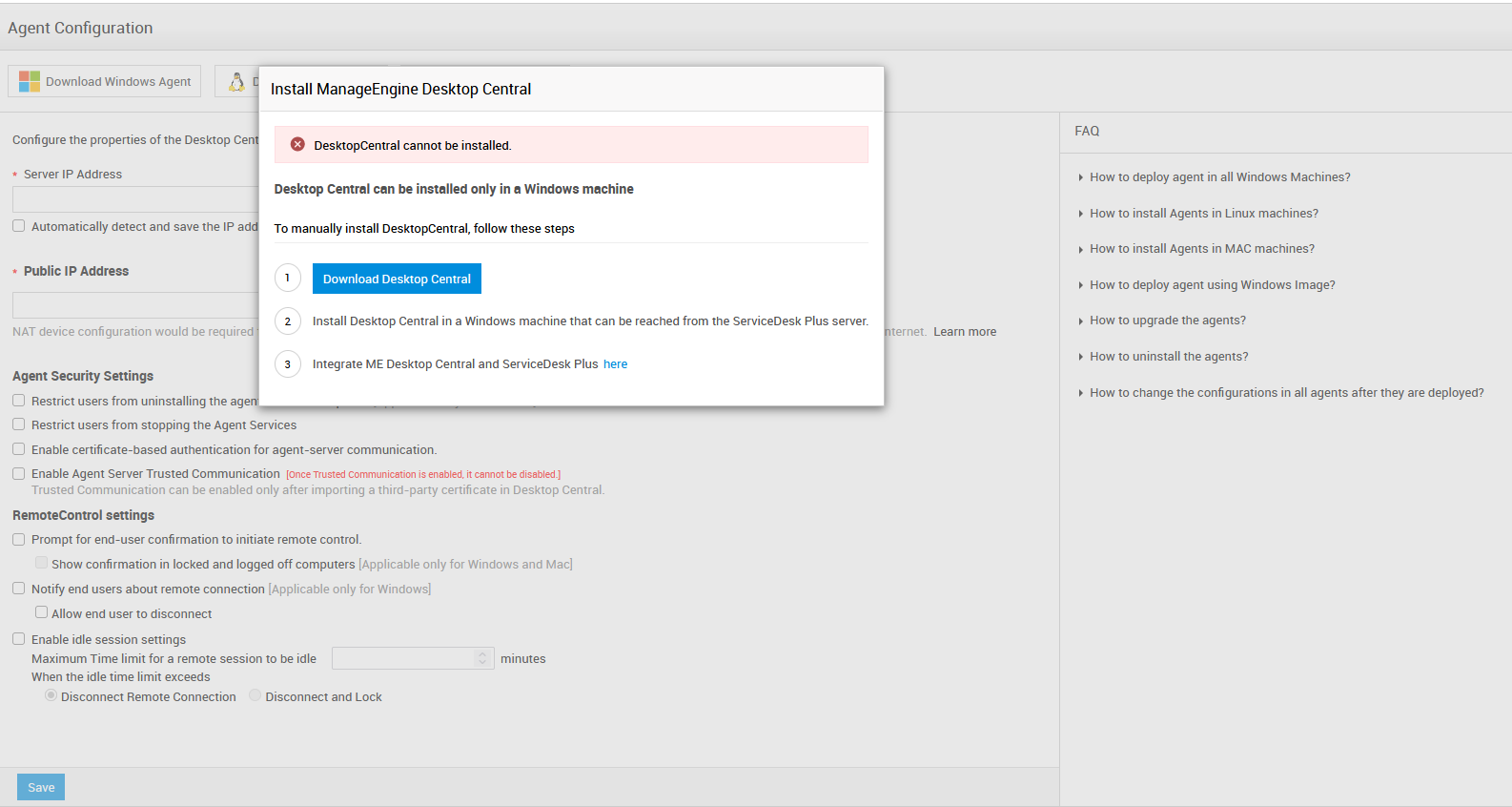
随着 ServiceDesk Plus 11300 版本的发布,现已引入对 Windows、Linux 和 Mac 机器的基于代理扫描。此功能由 ManageEngine Endpoint Central(原 DesktopCentral)提供。因此,所有现有客户在迁移到高于 SDP 11900 的版本时,都必须部署 ME Endpoint Central,以扫描其环境中的 Windows、Linux 和 Mac 机器。他们还需要在远程机器上安装 Endpoint Central 代理。以下文档记录了在此前未安装 Endpoint Central 的 AE 环境中部署 Endpoint Central 及其代理的步骤。
给已经在使用除 ME Endpoint Central 以外其他 UEMS 产品的客户的说明
如果您的环境中安装并使用了以下任一 ME 产品,我们建议您在继续此安装之前先联系技术支持,以便对资产清单配置进行更改。
- Patch Manager Plus 本地部署版/云版
- Remote Access Plus 本地部署版/云版
- Device Control Plus
- Vulnerability Manager Plus
- Patch Manager Plus 云版
- Endpoint Central(原 DesktopCentral)云版
与 SDP 11300 起扫描相关的功能变更
- 已移除使用 WMI 扫描 Windows 机器的支持。
- 已移除使用 SSH/Telnet 扫描 Linux 和 Mac 机器的支持。
- 所有 Windows、Linux 和 Mac 机器只能通过在远程机器中安装 Endpoint Central(原 DesktopCentral)代理来进行扫描。
关于 Endpoint Central
Endpoint Central(原 DesktopCentral)是一个强大的统一终端管理系统。它包含补丁管理、软件部署、终端安全、操作系统镜像与部署等功能。Endpoint Central 的代理通过在扫描期间获取完整的硬件详细信息,增强了 AssetExplorer 的资产扫描功能,同时还能保持从 Windows、Linux 和 Mac 机器获取的数据一致性。对于已经在 ServiceDesk Plus(或 AssetExplorer)与 Endpoint Central 之间建立集成的用户,Endpoint Central 代理集成还可避免需要同时使用两个代理。
现有 SDP 客户迁移到 SDP 11300 版本后可从 Endpoint Central 获得的功能
i. Windows、Mac 和 Linux 机器的基于代理的清单采集
ii. 设备保修信息
iii. Windows、Mac 和 Linux 机器的远程控制
iv. 将代理自动升级到较新版本
现有 SDP 客户迁移到 SDP 11300 版本后,再购买 UEM Remote Access Plus 附加组件可从 Endpoint Central 获得的其他功能
a). 聊天 *
b). 局域网唤醒 *
c). 公告(ServiceDesk Plus 支持,AssetExplorer 不支持)*
d). 系统管理器 *
切换到 Endpoint Central 代理的步骤
此前,AE 代理仅支持 Windows 操作系统。从 SDP 11.3 版本开始,Endpoint Central 已用于 Windows、Linux 和 Mac OS 的基于代理的扫描。因此,建议用户切换到 Endpoint Central 代理。具体步骤如下。