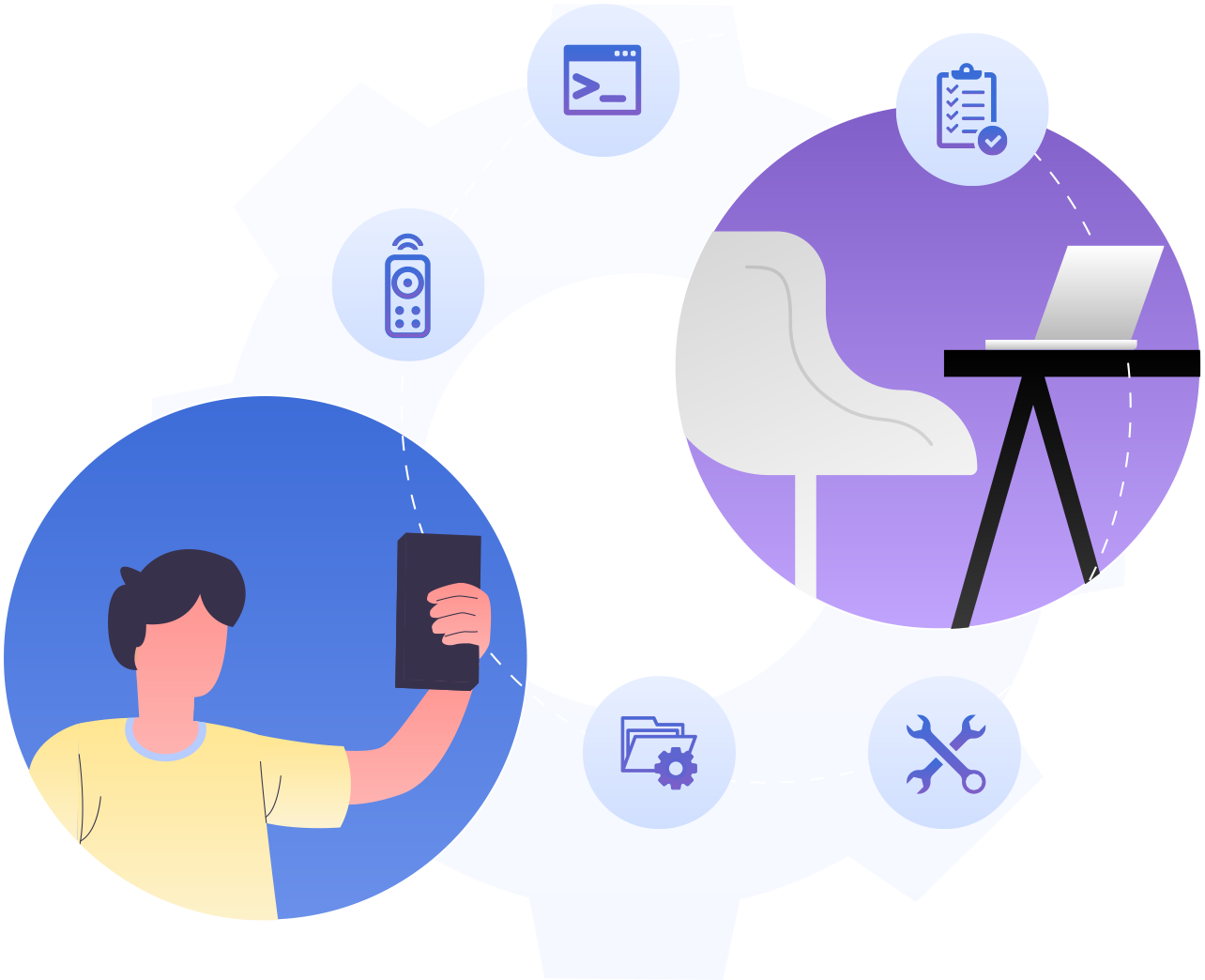
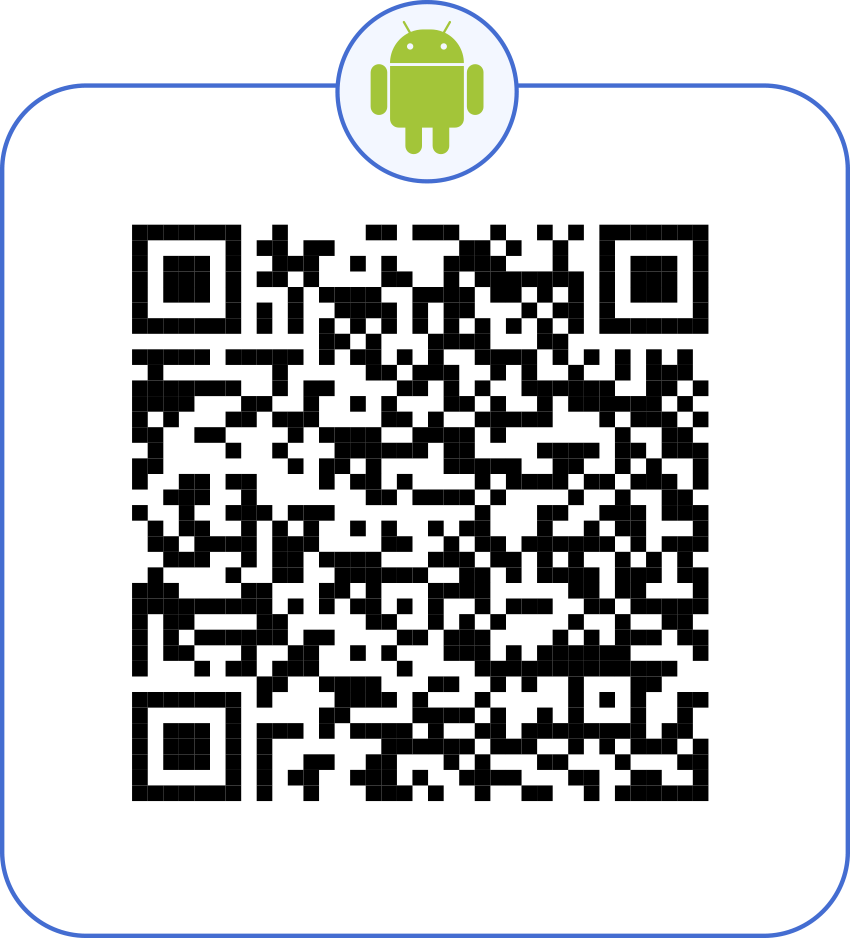
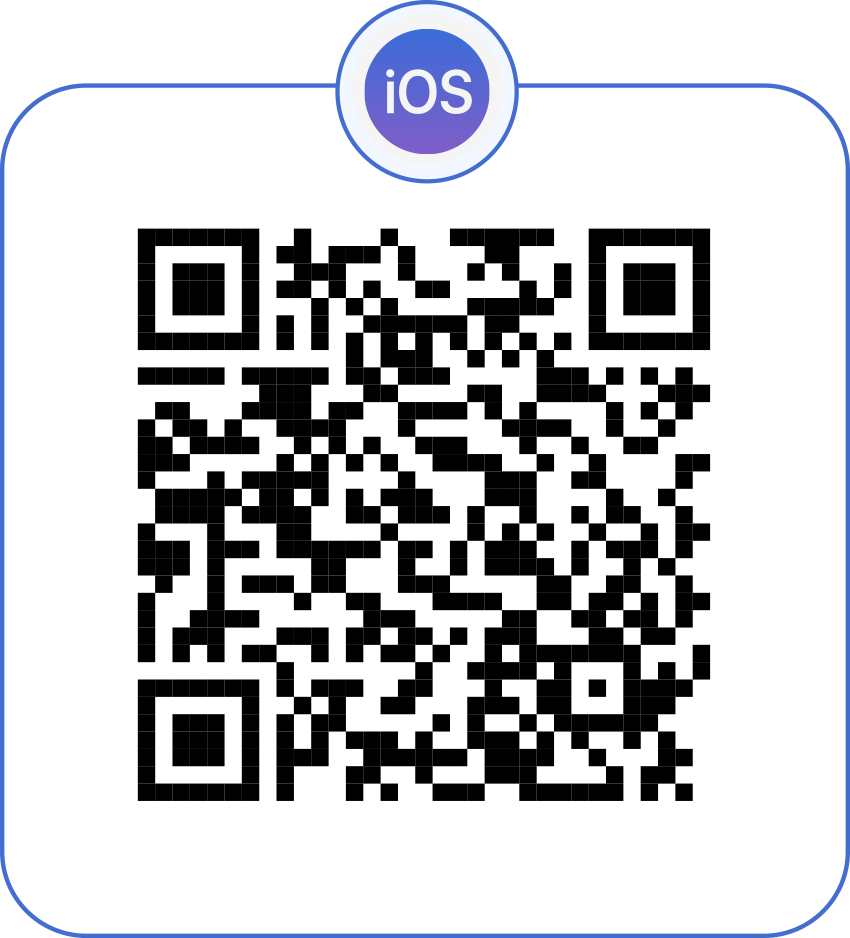
Want to experience the most seamless way to rescue enterprise computers when you’re far away from work? Remote Access Plus caters to your needs with a lightweight and flexible mobile app—you’ll barely know its presence! Remote Access Plus’ server can be in any corner of the world—simply download the mobile app, enter the credentials, and access your console in the blink of an eye from your android or iOS device anytime!
Effortlessly view multiple monitors from a single console
Enhance security with in-built app lock
Collaborate with experts and reduce troubleshooting time
Use fine-grained reports and ease your audit routines
Track end-user activities with an exclusive view only mode
No compromise to compliance like HIPPA, PCI DSS, or the GDPR
Blacken end user screens and keep your sensitive credentials safe
Record your remote sessions from the console as well as the mobile app
Failed to end a remote session? Idle session time-outs are available just for you
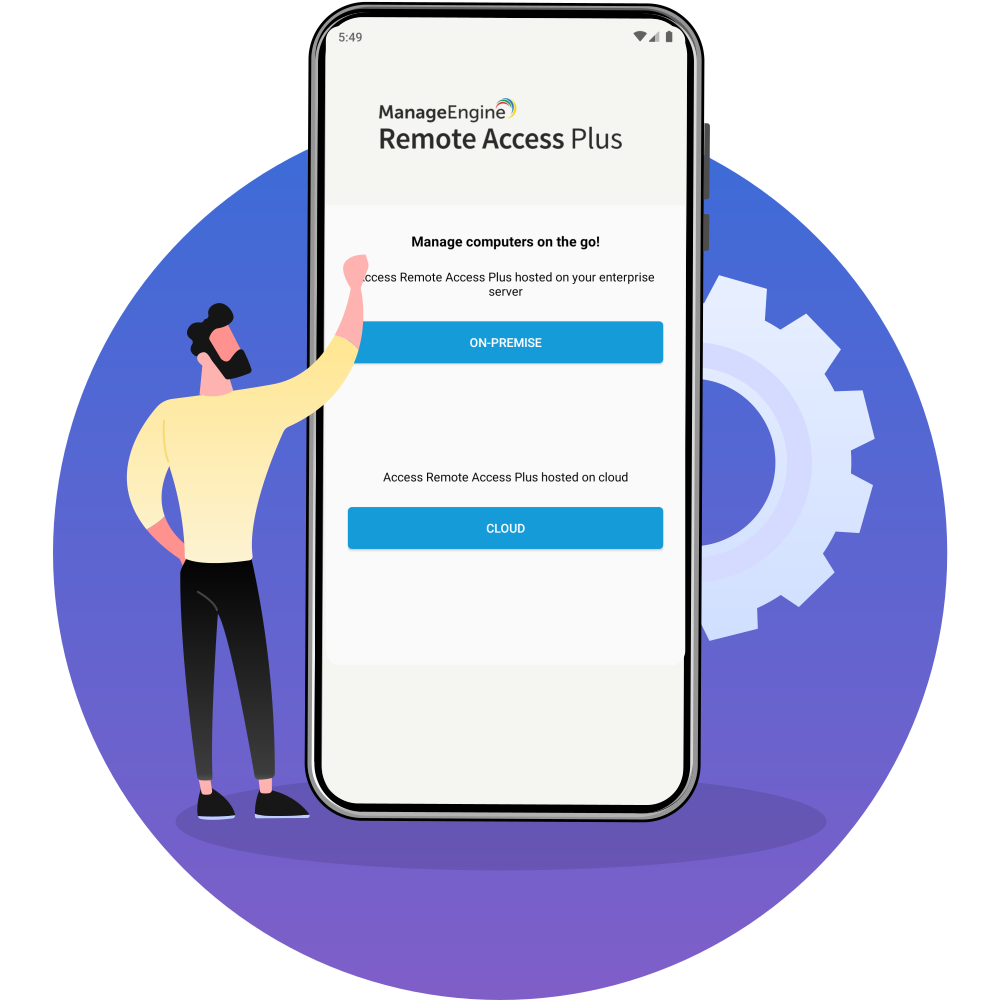
On-premises or cloud, you name it and get it at your fingertips.
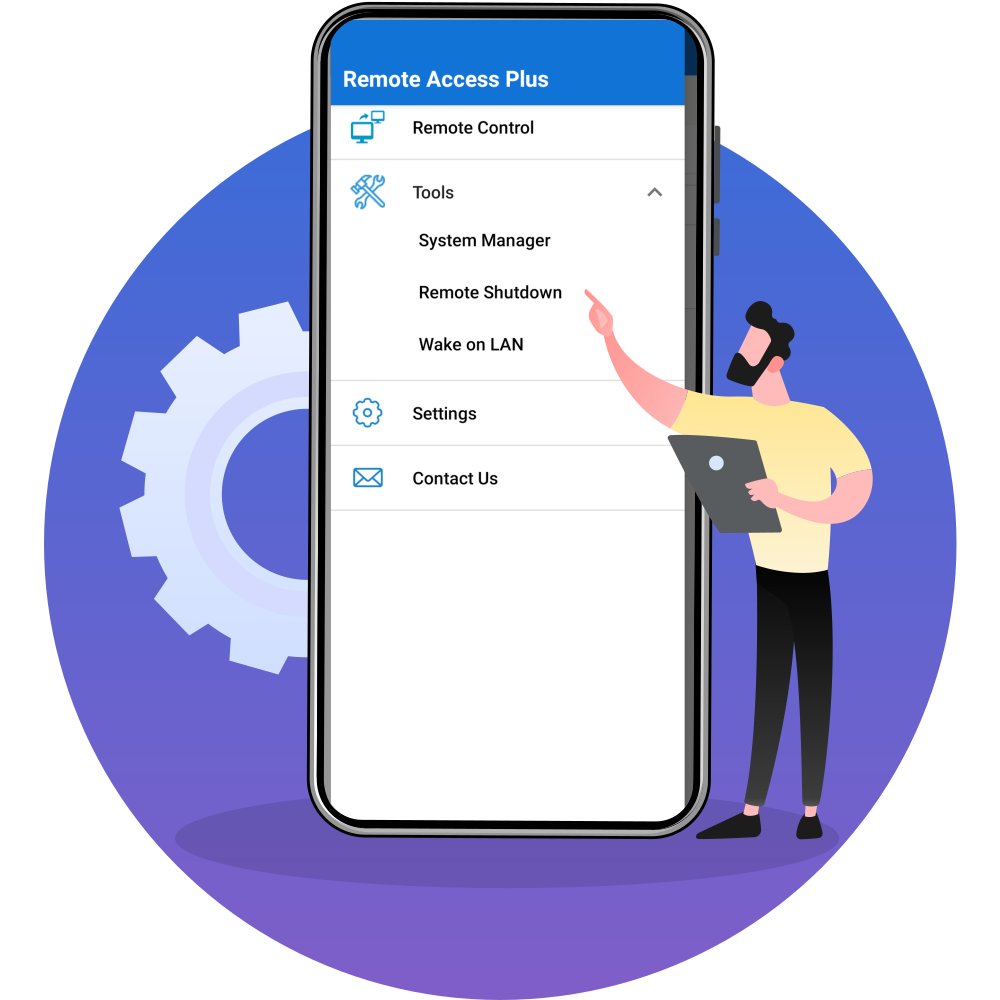
Wake up, connect, and shut down your computers, all from a unified console.
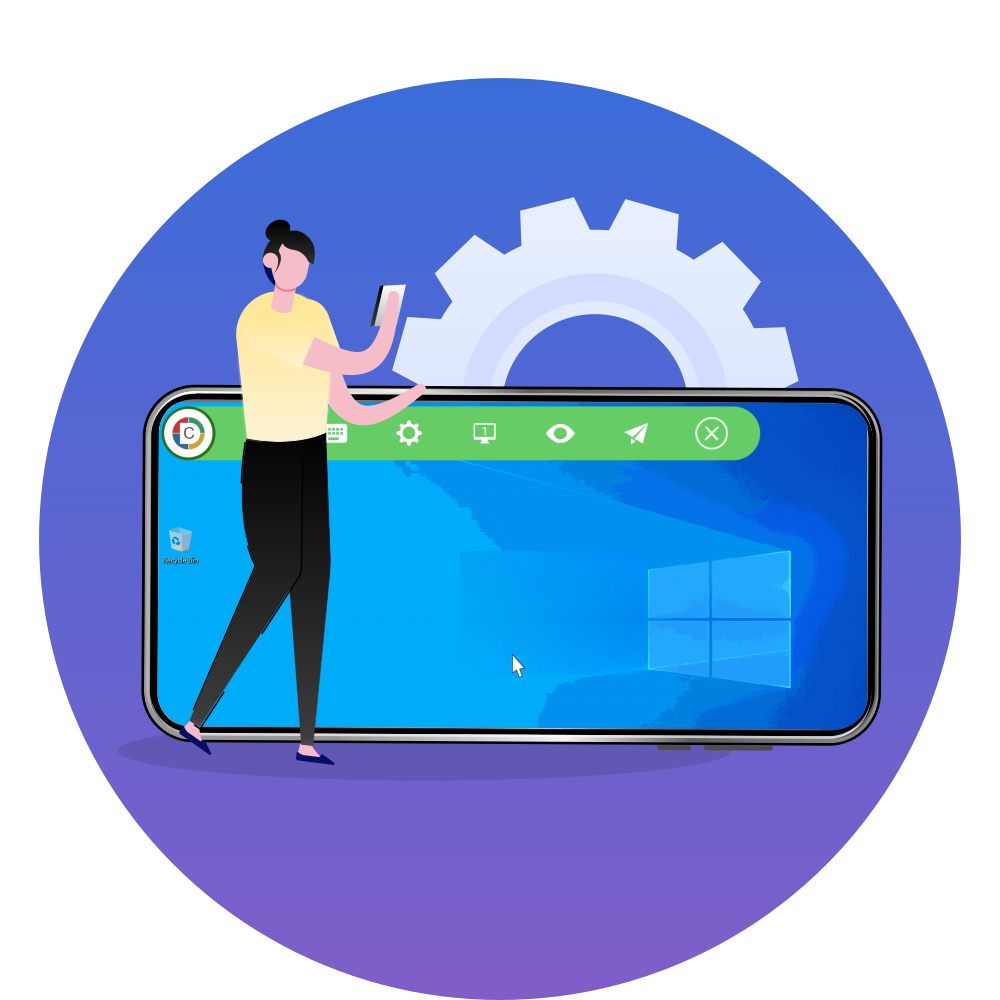
In a jiffy, the entire computer is in your palm without any compromise to resolution.
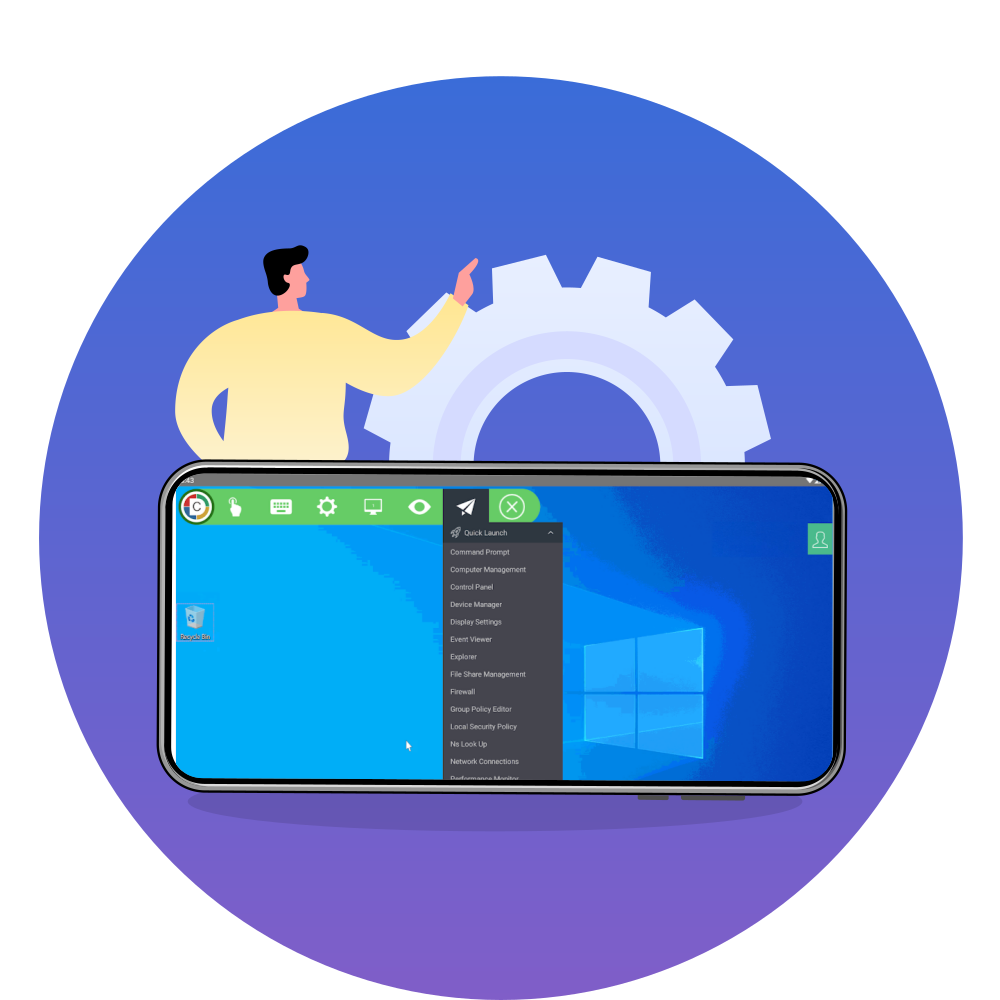
Make troubleshooting easy and quick with over 15 essential app shortcuts.
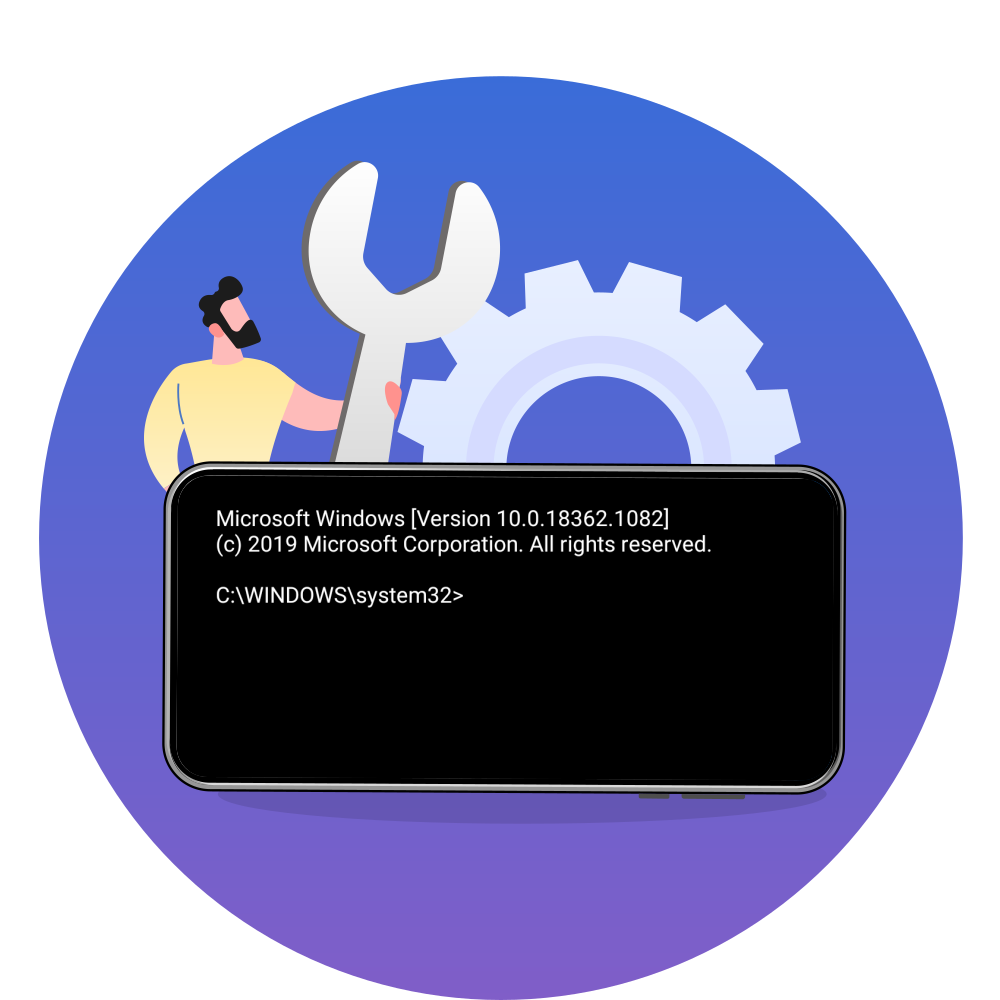
Give your commands from anywhere, anytime, and get the job done. For starters, try tasklist and see what happens next.



Experience a hands-on demo using the below credentials

“Perfect solution for troubleshooting any desktop computer remotely.”
- Anna SCommercial Lines
Overall Rating

Ease of use
Customer Service
Features
Source: Capterra

“The software is everything I was looking for, an easy-to-use software that allows remote control of the computer unattended.”
- Jorge VSystem Analyst
Overall Rating
Ease of use
Customer Service
Features
Source: Capterra