技术人员空间
除各种通知提醒(电子邮件和短信)外,技术人员还可在 ServiceDesk Plus application中使用通知提醒图标。该图标可就与请求相关的重要事项向技术人员发出提醒,并帮助他们及时采取行动,从而提升服务台的整体工作效率。
点击application页眉中的通知 ,即可就以下事件提醒技术人员:
- 当请求被分配给他们时
- 当任务被分配给他们时
- 当为分配给他们的请求添加注释时
- 当请求人回复分配给他们的请求时
- 当某个请求需要审批,且他们被指定为审批人时
- 当请求人/上级批准或拒绝他们提供的解决方案时
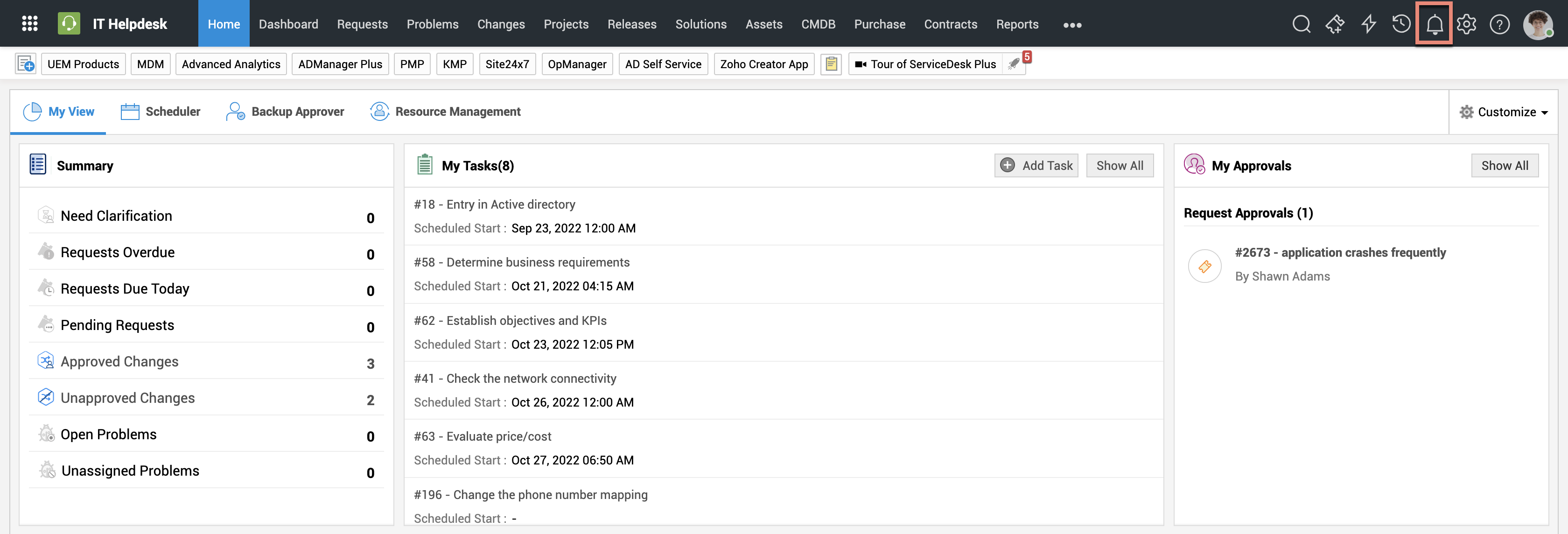
需要记住的几点:
- 通知图标
 上带有数字的红色标记表示未打开通知的数量
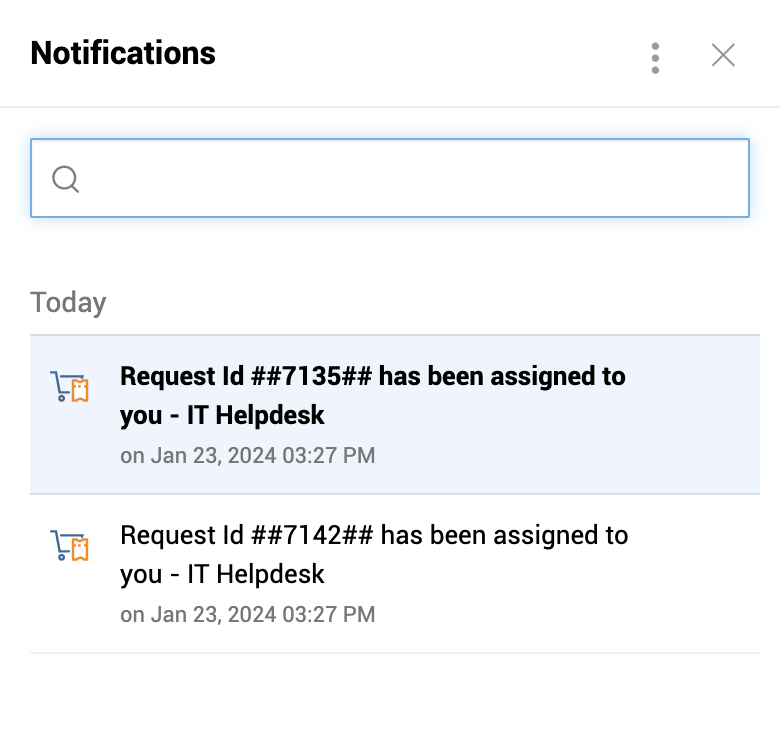
 - 单击通知提醒图标后,将通过弹出式下拉菜单向技术人员快速显示通知及其性质
- 当技术人员单击通知时,他们将被带到 ServiceDesk Plus application中与这些通知对应的相应部分
- 未打开的通知将以粗体显示,而已查看/已打开的通知将不再以粗体显示。
技术人员自行分配或自行审批的请求不会在技术人员空间下列出/记录。