代理设置
在 ServiceDesk Plus 中,您可以配置代理 Server,以在您的组织与其他 Server 之间建立安全连接。
所需角色:SDAdmin
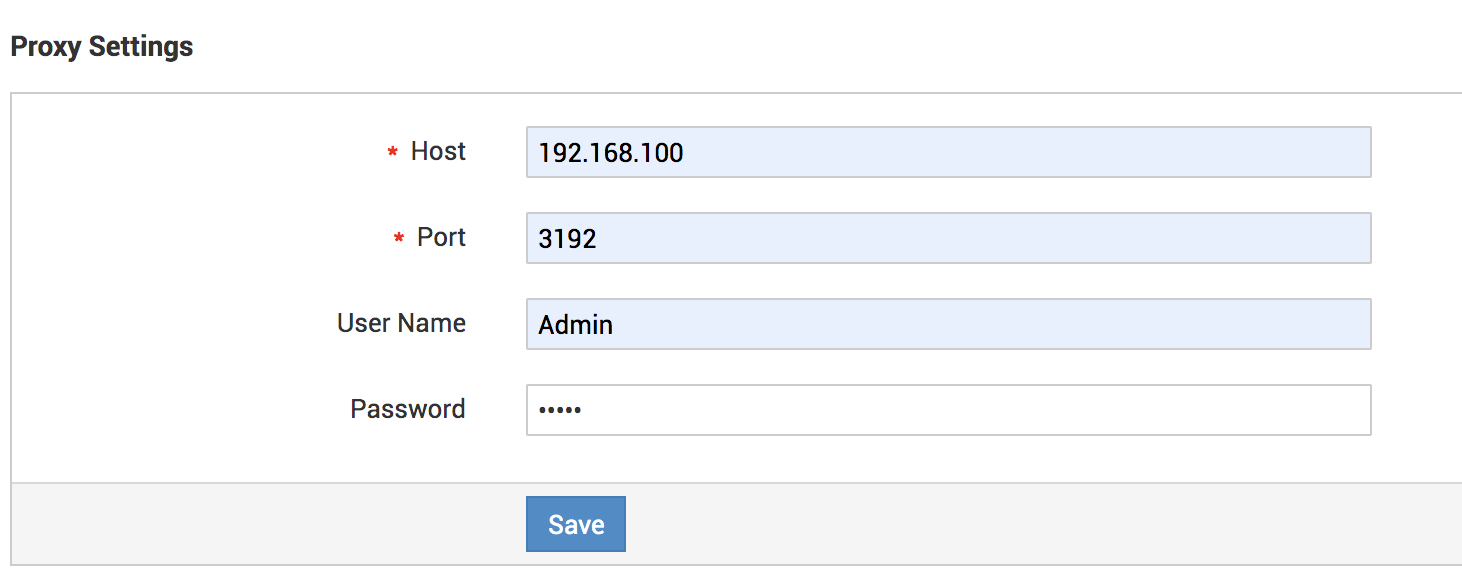
要配置代理设置,请转到 管理>>常规设置>>代理设置。
在配置向导中,提供以下详细信息:
- 主机:输入代理 Server 的名称
- 端口:输入代理 Server 的端口号
- 用户名:指定代理设置的用户名
- 密码:输入代理设置的密码
单击 保存。
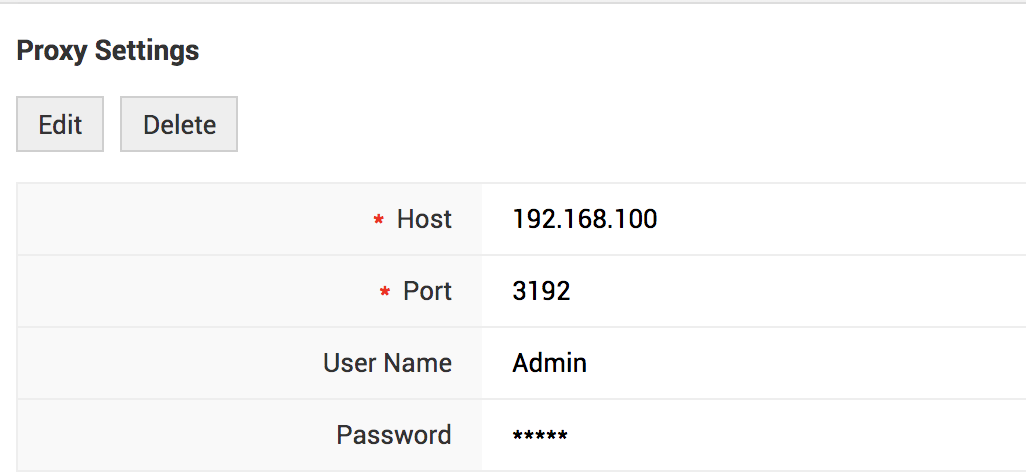
保存代理配置后,您可以在页眉中对其进行 编辑/删除。
如果代理配置输入错误,以下功能将受到影响:
- 邮件 Server 设置(收件/发件)
- Analytics Plus/Zoho Reports 集成
- 系统更新
- 短信通知设置
- 其他集成