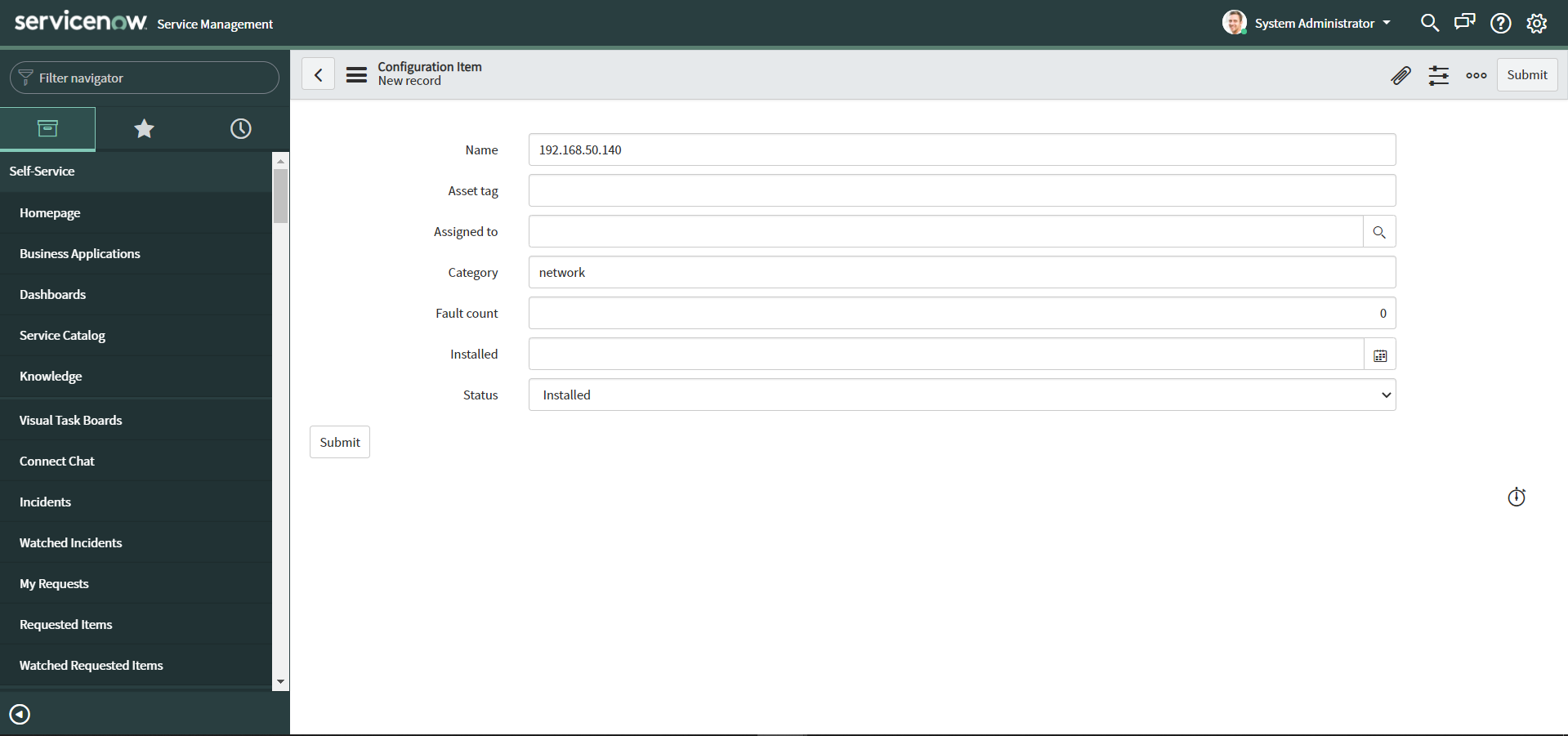
How to discover/add device in NCM from CMDB?
You can add devices to Network Configuration from the ServiceNow CMDB by following these steps:
For professional edition and probe servers in enterprise edition:
- Enter the devices' IP address in the "Name" text box.
- Enter "network" in the "Category" text box. All other text boxes can be left blank.
- Click "Submit"
For central servers in enterprise editions:
- Enter the devices' IP address in the "Name" text box.
- Enter "network" in the "Category" text box.
- Enter the tag name to which you have associated probes into which you want the devices to be added to in the "Asset tag" text box.
- Click "Submit"